Evaluating the Dreams 3D Text Effect for Graphic Design Projects
In the realm of digital graphic design, typography often serves as the primary vehicle for communication and aesthetic appeal. Among the various styles available to designers, three-dimensional text effects remain a popular choice for creating depth, drama, and visual interest. The Dreams 3d Text Effect is one such resource designed to streamline the creation of these complex typographic styles. For professionals and hobbyists alike, understanding the utility, limitations, and appropriate applications of this tool is essential before integrating it into a workflow.
Understanding the Resource
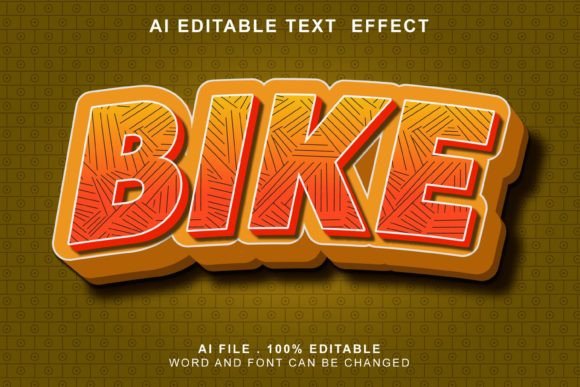
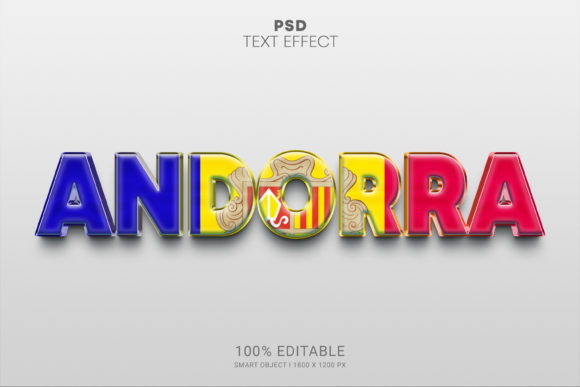
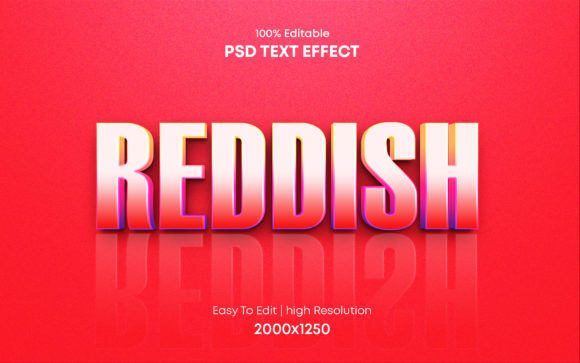
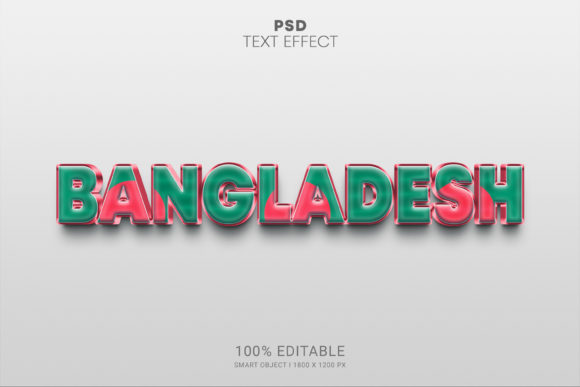
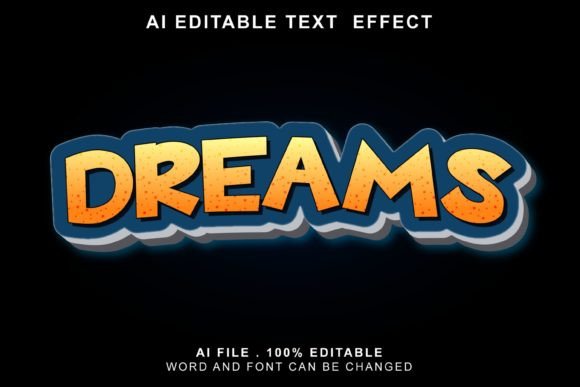
The Dreams 3d Text Effect is a pre-designed template file intended for use within Adobe Illustrator. Unlike building a 3D text effect from scratch—which often involves manipulating extrusion settings, lighting sources, and perspective grids manually—this resource provides a fully layered structure. The core value proposition lies in its efficiency; it allows users to generate sophisticated text treatments with minimal technical overhead. By utilizing a system where the user simply inputs their desired text, the effect is applied automatically through the software's native capabilities or included scripts.
Technically, the file is distributed in EPS format, a vector-based standard that ensures scalability without loss of quality. This is a critical feature for designers who need to adapt assets for various mediums, ranging from small social media graphics to large-format printing. The inclusion of a JPG image preview allows potential users to assess the visual style before acquisition, ensuring it aligns with their project's mood board. Furthermore, the template relies exclusively on free fonts, removing barriers related to licensing costs or font availability for the end-user.
Key Benefits and Workflow Advantages
The primary advantage of adopting the Dreams 3d Text Effect is the significant reduction in production time. Creating high-quality 3D typography traditionally requires a deep understanding of lighting, shading, and vector mesh tools. For designers working under tight deadlines, such as those producing daily social media content or rapid-turnaround marketing materials, this learning curve can be a bottleneck. This template mitigates that issue by offering a "one-click" application process, allowing the designer to focus on layout and composition rather than technical execution.
Another notable benefit is the organizational structure of the file. The template is described as being fully layered and well-organized. In professional practice, file hygiene is paramount. A well-structured file means that individual elements of the 3D effect—such as shadows, highlights, base colors, and texture overlays—are separated into distinct layers. This granularity allows for precise customization. If a client requests a change in the lighting angle or a shift in the color palette, the designer can isolate specific layers rather than rebuilding the entire effect. This flexibility supports the claim that the tool is easy to customize to fit specific brand guidelines or artistic visions.
Ideal Use Cases
Determining whether this text effect is the right fit depends largely on the specific requirements of the project. The Dreams 3d Text Effect is particularly well-suited for scenarios where visual impact must be achieved quickly without sacrificing professional quality.
- Social Media Assets: For Facebook covers, YouTube channel art, and Instagram posts, where attention spans are short, bold 3D text can stop the scroll effectively.
- Event Promotion: Flyers and posters for concerts, parties, or corporate events often benefit from the cinematic quality that 3D typography provides.
- Video Production: While primarily a static vector tool, the output can be imported into video editing software to serve as cinematic titles or movie title cards, provided the resolution is sufficient.
- Web Banners: Website headers requiring a strong typographic hierarchy can utilize these effects to distinguish key messaging from body copy.
In these contexts, the ability to swap fonts easily allows the designer to maintain brand consistency while leveraging the dramatic style of the 3D effect. Since the template uses free fonts, it is also an excellent choice for students or freelancers who may not have access to extensive commercial font libraries.
Considerations and Limitations
While the efficiency of the Dreams 3d Text Effect is appealing, it is important to approach its usage with a balanced perspective. Relying heavily on pre-made templates can sometimes lead to a homogenized look if the same effects are used repeatedly across different campaigns without modification. Designers should view this tool as a foundation rather than a final product. The "one-click" nature is a starting point; true differentiation comes from adjusting the layers, modifying colors, and perhaps combining the effect with other design elements.
Additionally, the reliance on Adobe Illustrator is a strict requirement. Users who prefer raster-based workflows in Photoshop or browser-based tools like Canva will find this EPS file incompatible without a conversion process that may degrade quality or editability. Furthermore, while the layer organization is touted as a feature, users unfamiliar with Illustrator's layer panel may initially find the complexity of a fully layered 3D file overwhelming. There is a slight learning curve associated with navigating these layers to make specific adjustments, even if the initial text replacement is simple.
Alternatives and Decision-Making Insights
When evaluating whether to purchase or download this specific text effect, designers should compare it against alternative methods. Building 3D text natively in Illustrator using the Extrude & Bevel effect offers total control but demands more time and skill. Conversely, dedicated 3D modeling software like Blender or Cinema 4D provides photorealistic lighting and texture capabilities that vector-based effects cannot match, though at the cost of significantly higher complexity and rendering times.
The decision to use the Dreams 3d Text Effect should hinge on the intersection of time constraints and desired aesthetic. If the project requires a stylized, vector-clean 3D look and speed is of the essence, this template is a strong candidate. However, if the project demands hyper-realism, complex physics-based lighting, or animation beyond simple transforms, a dedicated 3D suite may be a more appropriate investment.
Ultimately, resources like this serve to democratize high-end design techniques, making them accessible to a broader range of creators. By providing a structured, editable, and scalable solution, the Dreams 3d Text Effect enables designers to elevate their typographic work efficiently. Whether for a movie title or a simple flyer, its value lies in balancing ease of use with the flexibility required for professional customization.