Mastering Visual Impact: A Practical Guide to Power Editable Text Style Effects
In the fast-paced world of digital design, the difference between a project that captures attention and one that gets scrolled past often lies in the typography. Designers, marketers, and content creators are constantly seeking ways to elevate their visual communication without sacrificing efficiency. This is where the Power Editable Text Style Effect comes into play. Unlike static images or rigid templates, this approach offers a dynamic blend of high-end 3D aesthetics and complete user control. It represents a shift from merely using pre-made graphics to utilizing intelligent, adaptable assets that can be molded to fit specific brand identities and campaign goals.
Understanding the value of these tools requires looking beyond the surface-level appeal of shiny letters or deep shadows. It is about evaluating workflow efficiency, versatility, and the final quality of the output. Whether you are designing a book cover for Kindle Direct Publishing (KDP), creating merchandise for Print on Demand (POD) platforms, or crafting social media banners, the choice of text treatment can define the professional look of your work.
Defining the Power Editable Text Style Effect
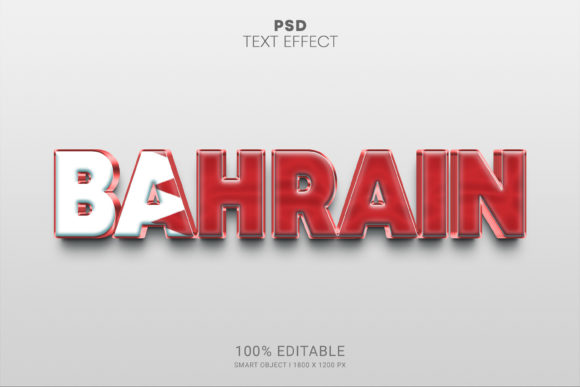
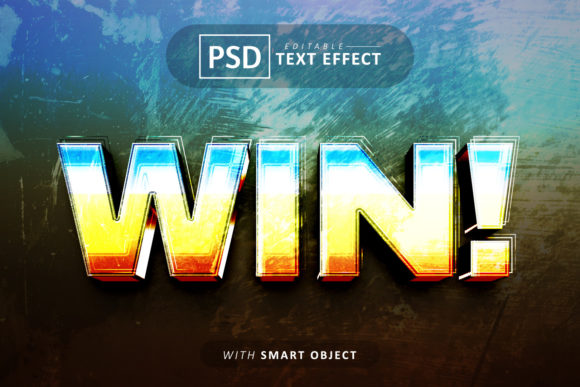
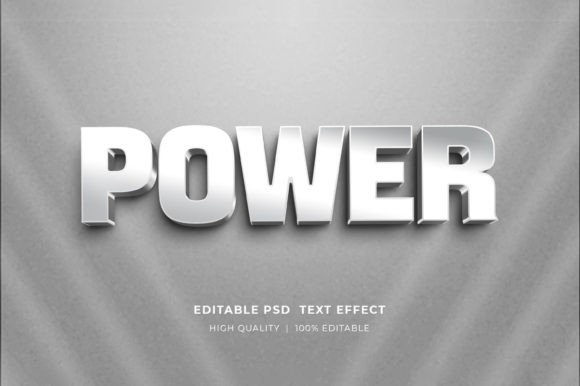
At its core, a Power Editable Text Style Effect is a sophisticated Photoshop resource designed to simulate complex 3D rendering and lighting effects while maintaining full editability. Traditionally, achieving a realistic 3D text look required extensive knowledge of lighting engines, texture mapping, and rendering times within 3D software. These effects bridge that gap by leveraging Adobe Photoshop's Smart Object technology.
The distinct advantage here is the separation of style from content. The "style"—comprising gradients, bevels, shadows, textures, and environmental lighting—is pre-baked into the file structure. The "content," which is your specific text, logo, or icon, remains fully editable. When you open these files, you are not working with a flattened raster image; you are interacting with a layered, non-destructive environment. This allows you to double-click a specific smart object layer, type your desired wording, and instantly see it adopt the complex visual characteristics of the template.
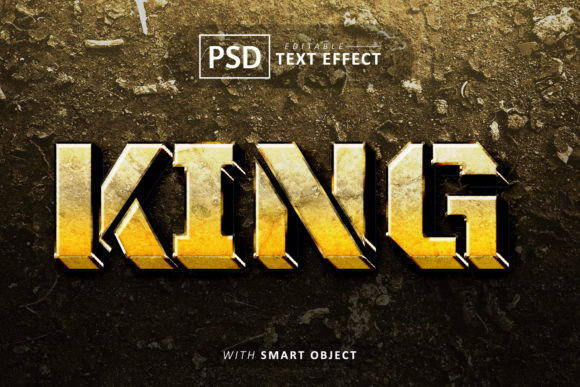
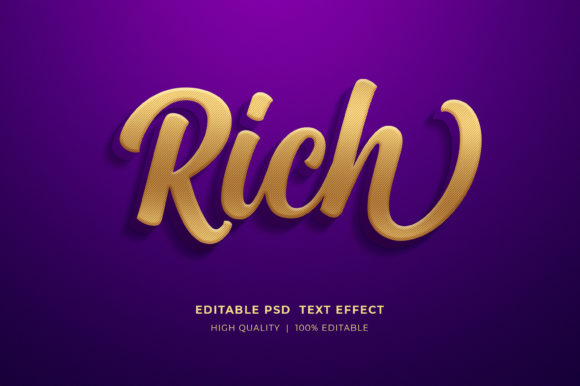
This method differs significantly from standard text overlays or basic layer styles found in default software libraries. While basic tools offer simple drop shadows or strokes, Power Editable effects often include simulated depth, realistic material reflections (like gold, chrome, or neon), and intricate background integrations that make the text appear as part of a physical scene rather than floating on top of it.
Comparative Analysis: Smart Objects vs. Traditional Methods
To make an informed decision about incorporating these effects into your workflow, it is helpful to compare them against alternative approaches available to designers.
Smart Object Templates vs. Manual 3D Rendering
Creating a custom 3D text effect from scratch in Photoshop or dedicated 3D software like Blender or Cinema 4D offers unlimited creative freedom but demands a steep learning curve and significant time investment. You must configure lights, cameras, and materials manually. In contrast, Power Editable Text Style Effect mockups provide a pre-configured environment. The trade-off is a slight limitation in altering the fundamental camera angle or lighting setup, but the gain in speed is substantial. For projects with tight deadlines, such as daily social media posts or rapid prototyping for client presentations, the template approach is often superior.
Editable PSDs vs. Flat Vector Graphics
Vector graphics are excellent for scalability and clean lines, but they can sometimes lack the tactile, textured richness that modern marketing materials require. A flat vector logo might look crisp, but it may fail to pop on a dark website banner or a textured t-shirt design. By utilizing editable 3D text styles, you introduce depth and realism that vectors struggle to emulate without complex gradient meshes. However, if your primary need is infinite scalability for large-format signage where file size is a critical constraint, vector remains the king. The PSD format is resolution-dependent, though high-resolution files (often 300 DPI) mitigate this for most print and web uses.
Customization vs. Generic Generators
Online text effect generators exist, allowing users to type text and download an image. While convenient, these tools often produce generic results with limited customization options regarding color palettes or background integration. They usually output a flattened PNG or JPG, meaning you cannot go back and fix a typo or adjust the hue without starting over. A well-organized PSD file with smart objects retains the ability to tweak colors, swap icons, and refine the composition even after the initial save, offering a level of professional control that automated web tools cannot match.
Practical Applications and Use Cases
The versatility of these editable effects makes them suitable for a wide array of industries and project types. Understanding where they fit best helps in allocating resources effectively.
- Digital Marketing and Social Media: For Facebook timelines, Instagram stories, and web banners, visual hierarchy is crucial. A bold, 3D-styled headline can increase click-through rates by drawing the eye immediately. The ability to quickly swap text allows marketing teams to A/B test different headlines while maintaining consistent branding.
- Print on Demand (POD) and Merchandise: T-shirt designs and mug prints benefit greatly from textured text effects that mimic embroidery, metallic foil, or vintage distressing. Since POD platforms require high-resolution uploads, ensuring your PSD file is set to RGB or CMYK at 300 DPI is essential for crisp printing.
- Publishing and Book Covers: In the competitive landscape of KDP and self-publishing, a book cover must convey genre and tone instantly. Thriller novels often use sharp, metallic 3D text, while romance might utilize softer, glowing scripts. Editable mockups allow authors to experiment with titles before committing to a final design.
- Corporate Branding and Logos: While a primary logo should often remain versatile and flat, secondary logos or presentation headers can utilize these power effects to create impact in pitch decks, conference banners, and office signage.
Technical Workflow and Accessibility
One of the most appealing aspects of these resources is their accessibility to users with varying levels of Photoshop expertise. The workflow is generally standardized to ensure ease of use:
- Extraction: Files are typically delivered in a compressed ZIP format. Before beginning, you must extract the folder to access the contents. On most operating systems, this involves right-clicking the zip folder and selecting "Extract Here" or "Unzip."
- Opening the File: Launch Adobe Photoshop and open the main PSD file. It is important to have a relatively recent version of Photoshop to ensure compatibility with newer smart object features and 3D capabilities.
- Editing the Content: Locate the layer labeled as a Smart Object (often indicated by a small icon on the layer thumbnail). Double-click this icon. A new tab will open containing the source content.
- Inputting Text: Select the Type Tool, highlight the existing placeholder text, and input your own. You can also replace logos or icons if the template supports it by pasting your vector or raster art into this smart object window.
- Saving and Updating: Save the smart object tab (Ctrl+S or Cmd+S). Return to the main document tab, and you will see the changes reflected instantly with all the 3D effects applied.
This non-destructive workflow ensures that the original styling layers remain untouched, preventing accidental degradation of the visual quality.
Decision Factors: When to Choose This Approach
While powerful, these tools are not a universal solution for every design challenge. Evaluating your specific needs is key.
Choose Power Editable Text Style Effects if:
- You need high-quality, realistic textures and lighting without spending hours rendering.
- You require frequent updates to text content while maintaining a consistent visual theme.
- Your project involves mixed media, such as combining photography with heavy typographic elements.
- You are working on short-term campaigns or freelance projects where turnaround time is critical.
Consider alternatives if:
- You need absolute control over every polygon and light source for a cinematic animation.
- Your final output requires infinite scalability beyond standard print resolutions (in which case, vector-based 3D tools might be better).
- You do not have access to Adobe Photoshop, as these files are proprietary to the Adobe ecosystem.
Maximizing Value and Organization
The true power of these files often lies in their organization. High-quality packs come with well-organized layers, clearly named groups, and logical structures. This organization allows advanced users to dive deeper, tweaking adjustment layers to change the overall color grade or modifying mask layers to alter how the text interacts with the background.
Furthermore, because these files are typically in RGB color mode, they are optimized for digital displays, ensuring vibrant colors on screens. For print purposes, designers should verify if a CMYK conversion is necessary, although many modern printers accept high-res RGB files with accurate color profiling.
In conclusion, integrating Power Editable Text Style Effects into your design toolkit offers a pragmatic balance between aesthetic excellence and operational efficiency. They democratize high-end 3D design, allowing creators to focus on messaging and layout rather than getting bogged down in technical rendering processes. By understanding their strengths, limitations, and ideal use cases, you can make strategic decisions that enhance your creative output and streamline your production workflow.